Start with one task. Continue to a verifiable result.
Conversation, code changes, terminal output, and runtime state stay in one workspace, reducing tool switching.

AI software engineering
An AI workspace built for real software engineering—from understanding a codebase to editing, running, and validating changes in one continuous workflow.
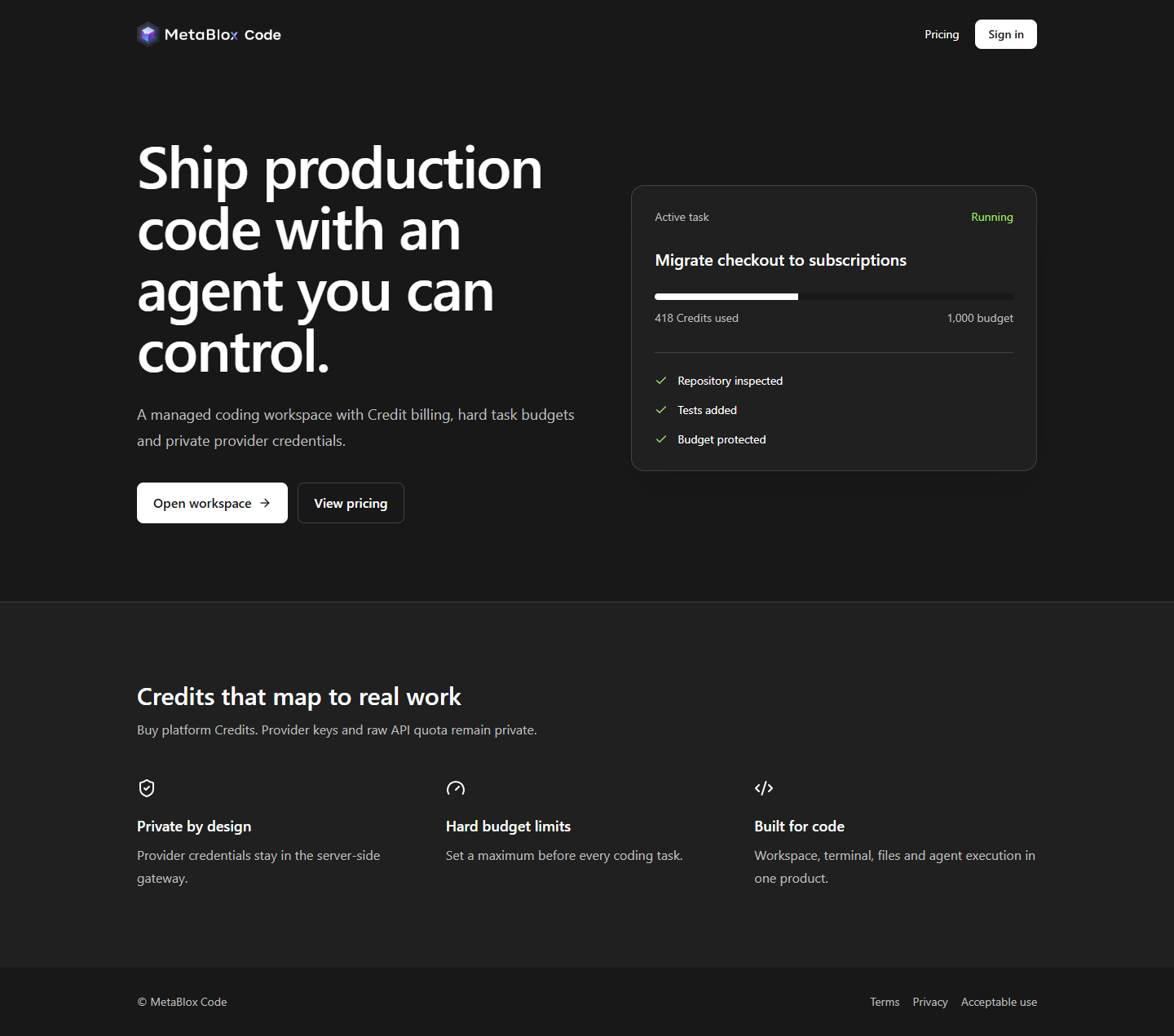
Live interface flow
A task passes through the controlled Gateway, then the Model Interface. Plans, code, and tool calls enter an isolated workspace and go through test validation.
Gateway status comes from the live health endpoint. When you are signed out, tasks, Credits, streaming responses, patches, and tests are clearly labeled demo data.
The agent understands your project, edits files, runs commands, and validates results. You can see the process and retain control of the final code.
Conversation, code changes, terminal output, and runtime state stay in one workspace, reducing tool switching.
Each task has its own Credit limit, status, and usage history.
Model access, pricing logic, and the ledger stay server-side.
The desktop experience preserves full context, so complex tasks do not scatter across windows and temporary conversations.
Start from the project structure and existing implementation—not a blank prompt.
Run commands, tests, and build workflows in an isolated workspace.
Review every action, then take over or pause a task when needed.
The browser receives only an authenticated session. Upstream model credentials, the Credit ledger, and internal session keys remain on controlled servers.
The platform bills against actual model usage. Customers do not purchase upstream model quota or receive a provider API Key. Accounts, Credits, and access rights may not be resold or transferred.
Balances, usage history, task budgets, and administrator approval form a complete commercial control loop.
Start with a controlled workspace and hand repeatable development tasks to MetaBlox Code.
Request a workspace